实现效果
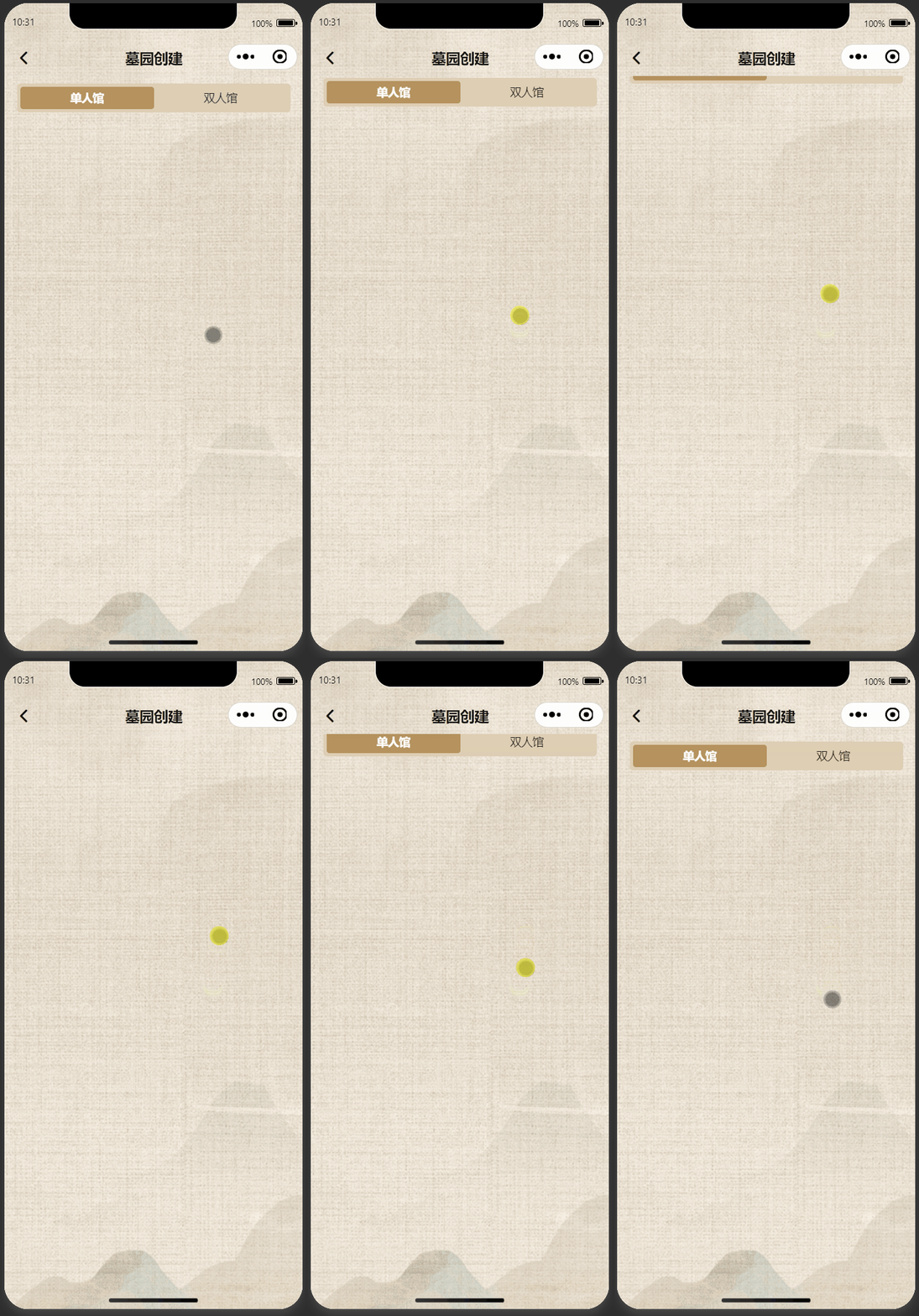
代码实现
利用background加载同一张图片即可
<template>
  <scroll-view class="org-container" scroll-y enhanced :show-scrollbar="false">
    <view class="container">
      <view class="com-header">
        <wd-navbar fixed placeholder left-text="析熵科技" safeAreaInsetTop></wd-navbar>
      </view>
      <view class="" v-for="i of 100">
        <view class="test">测试{{i}}</view>
      </view>
    </view>
  </scroll-view>
</template>

<script setup>
  import {
    ref
  } from 'vue';
</script>

<style lang="scss">
  .org-container {
    height: 100vh;
    overflow: auto;
  }

  .container {
    background: url('https://tombstone.oss-cn-chengdu.aliyuncs.com/app/common_bg_1.png');
    width: 100%;
    min-height: 100vh;
    background-repeat: no-repeat;
    background-size: cover;
    background-attachment: fixed;
    box-sizing: border-box;
    padding: 24rpx 32rpx 88rpx 32rpx;
  }

  // 导航
  .wd-navbar {
    background: url('https://tombstone.oss-cn-chengdu.aliyuncs.com/app/common_bg_1.png');
    background-repeat: no-repeat;
    background-size: cover;
    background-attachment: fixed;
    background-color: transparent !important;
  }

  .test {
    height: 100rpx;
  }
</style>
样式
在app.vue中写公共样式
/* 调整导航左右间距 */
.wd-navbar__left {
  padding: 0 28rpx !important;
}
/* 去除导航底部颜色条 */
.wd-navbar.is-border::after {
  background: transparent !important;
}